

Overview
The GKL Platform uses an API key to call Vivenu for a seller. This SOP covers creating that key. It is configured under the Developer menu in the left hand sidebar.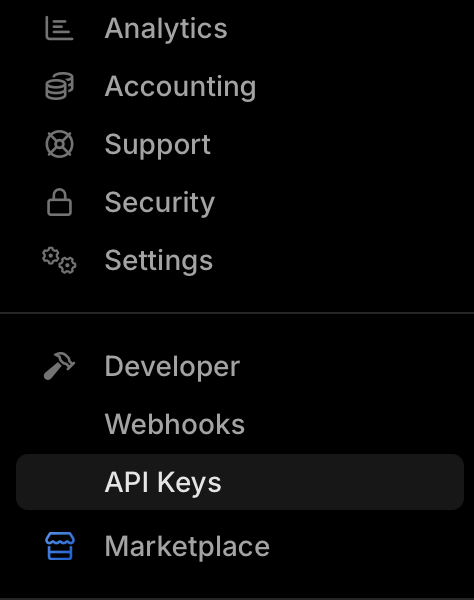
This SOP assumes you already know how to access and navigate Vivenu. If you need access, email support.
Prerequisites
- Vivenu access for the relevant seller, with API Keys installed under Developer Tools. See Adding Developer Tools.
Adding the API Key
1
Open API Keys
Navigate to Developer > API Keys and click Create.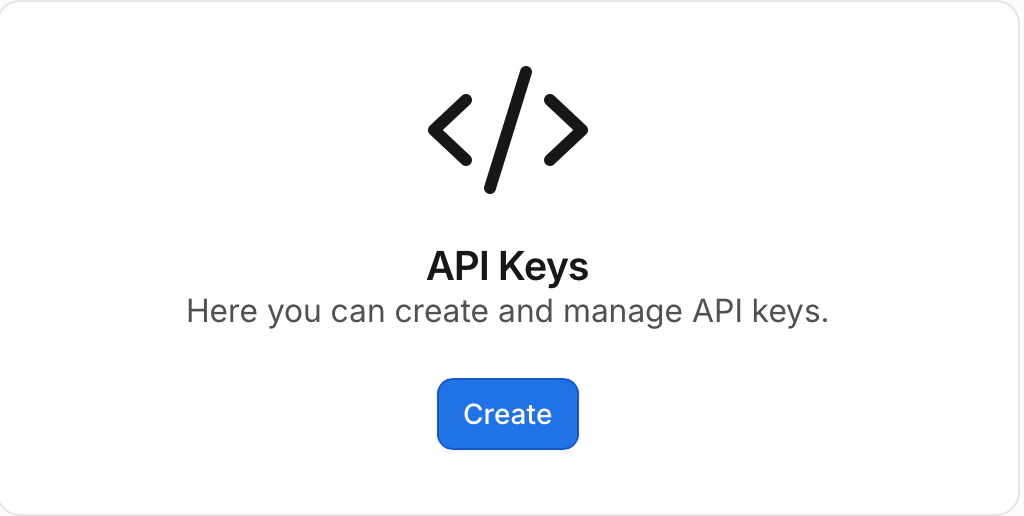
2
Name the key and set expiration
Set the Name to 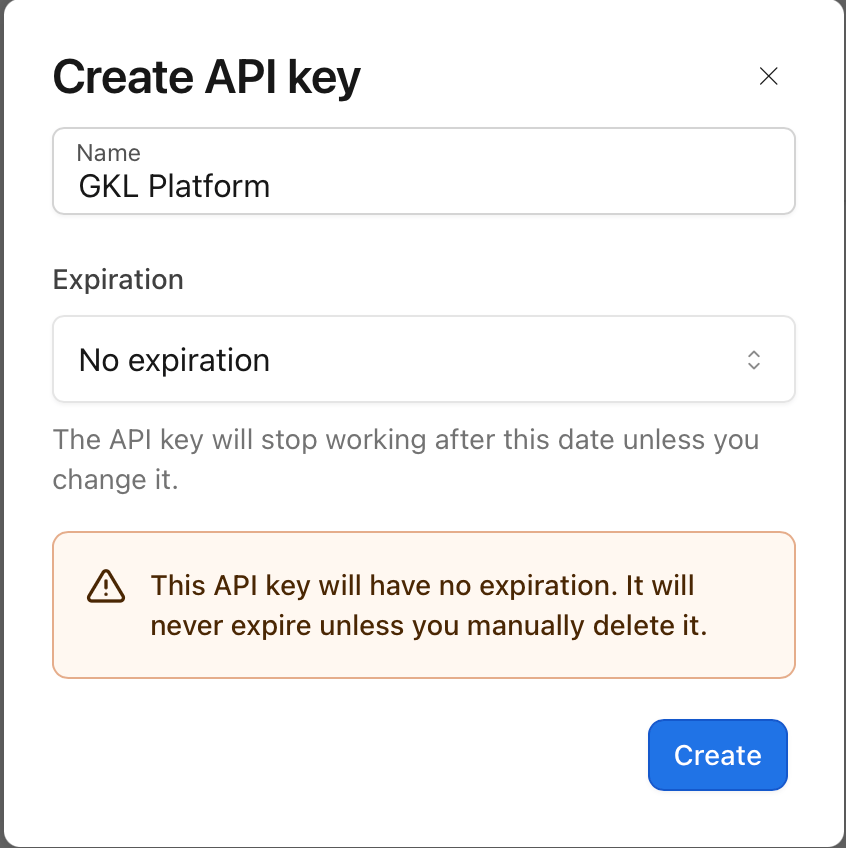
GKL Platform and leave Expiration as No expiration.Click Create.3
Copy and save the key
When the key value is shown, copy it and temporarily save it somewhere local. You will need it for the GKL API configuration (see the New Hub Region SOP).
4
Confirm the key is active
The new 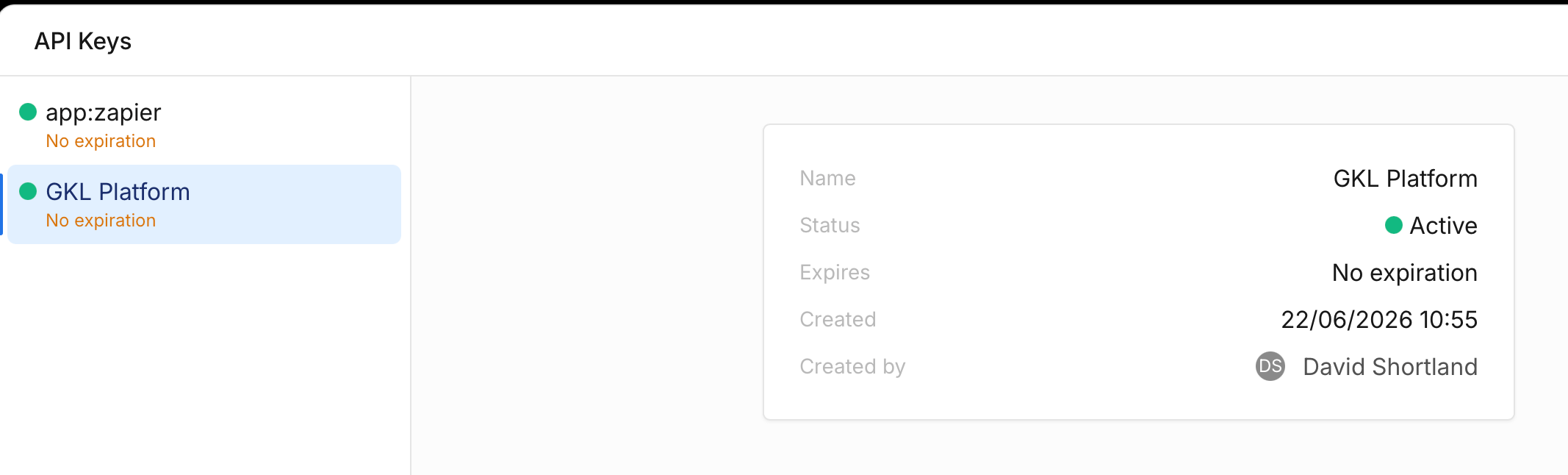
GKL Platform key should now appear in the list with a status of Active.