1
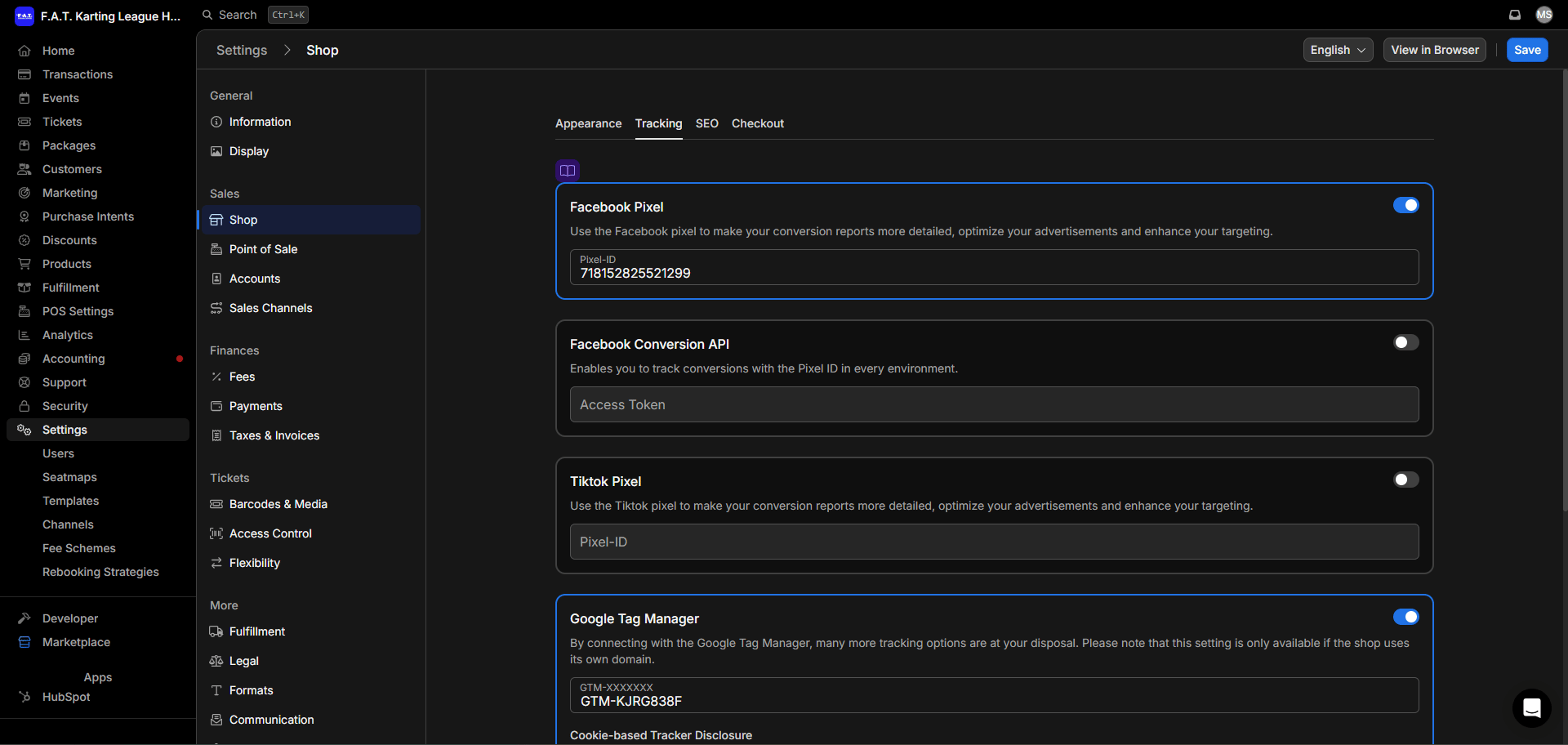
Open Tracking Settings
Navigate to Settings > Shop > Tracking.
2
Enable Facebook Pixel
Enable the Facebook Pixel field and enter
718152825521299.3
Enable Google Tag Manager
Enable the Google Tag Manager field and enter
GTM-KJRG838F.4
Save
Save your changes.