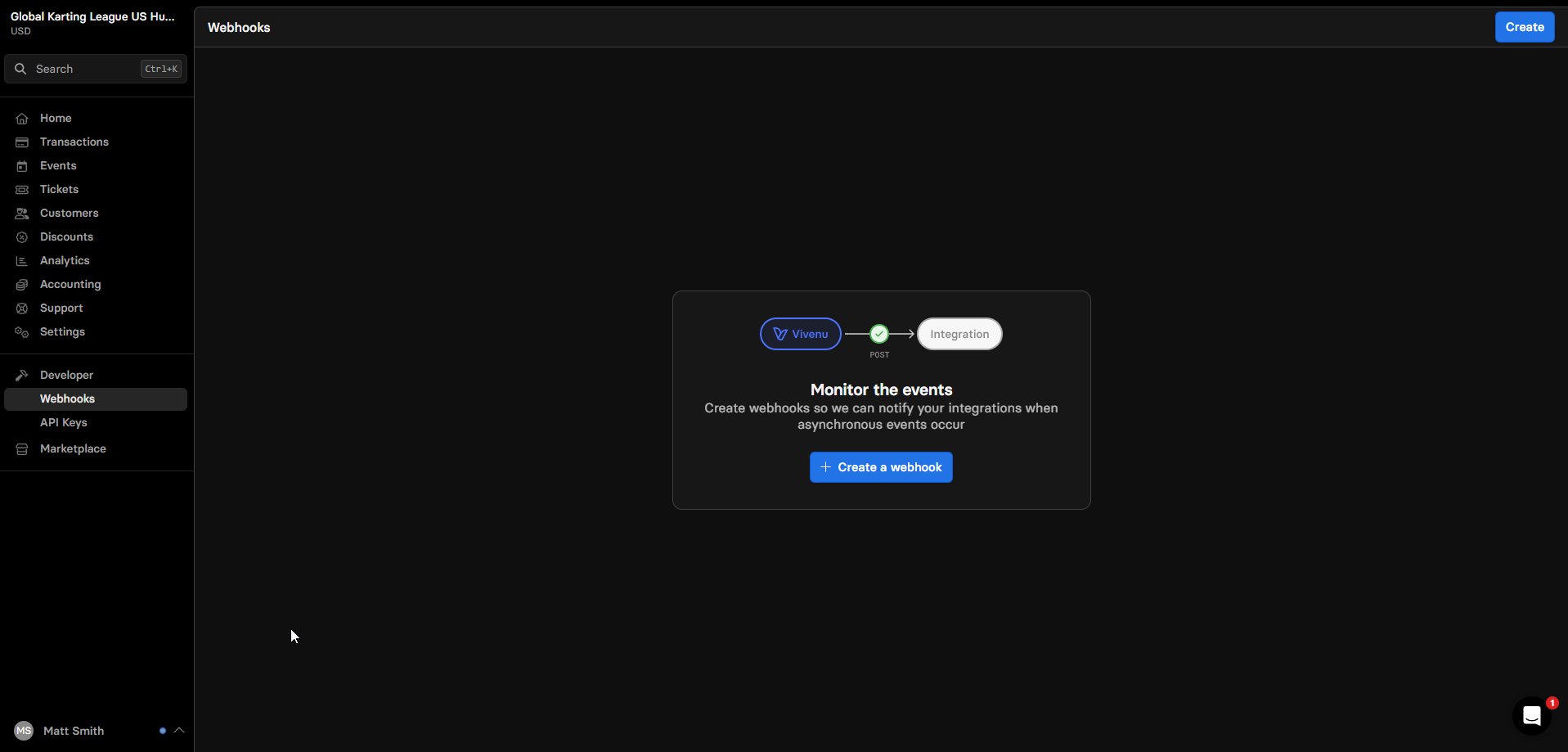
Overview
This SOP details how to install and request the relevant packages under Developer Tools in Vivenu. This allows you to support the various sellers on Vivenu correctly for linking to the FKL websites.This SOP assumes you already know how to access and navigate Vivenu. If you need access, email support..
Prerequisites
None.Installing Relevant Packages
1
Log in to Vivenu
Navigate to dashboard.vivenu.com and log in.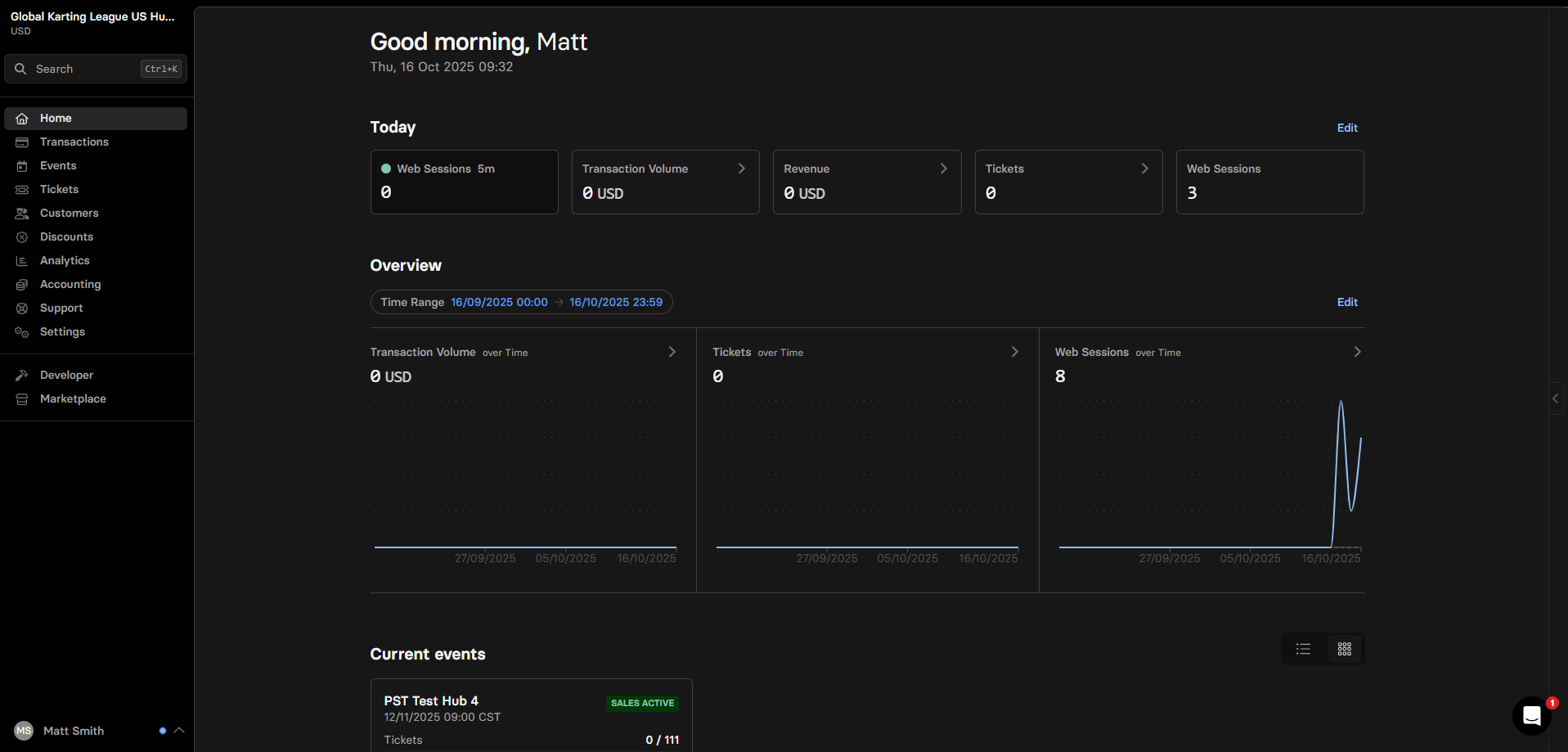
2
Navigate to Marketplace
Select Marketplace from the left hand sidebar.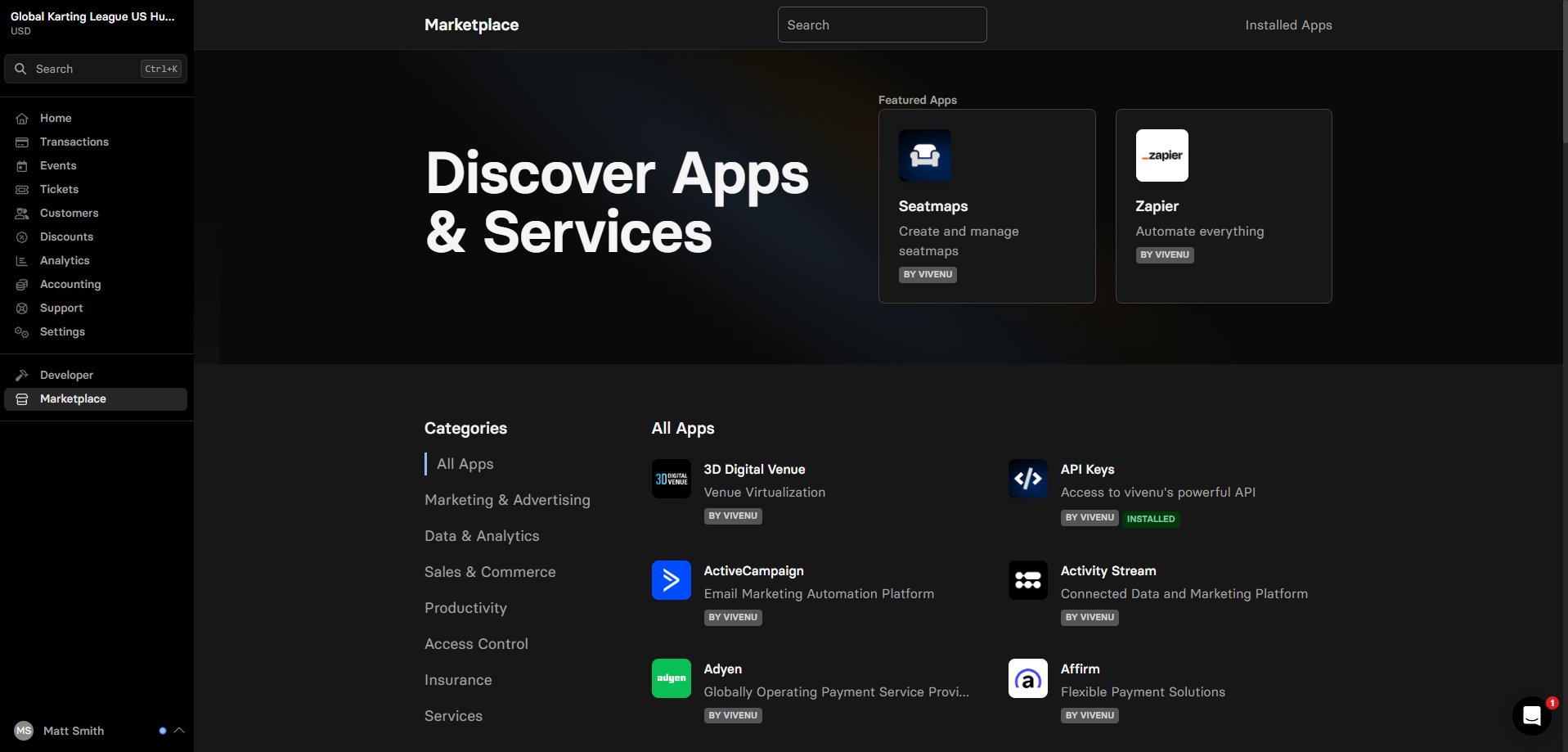
3
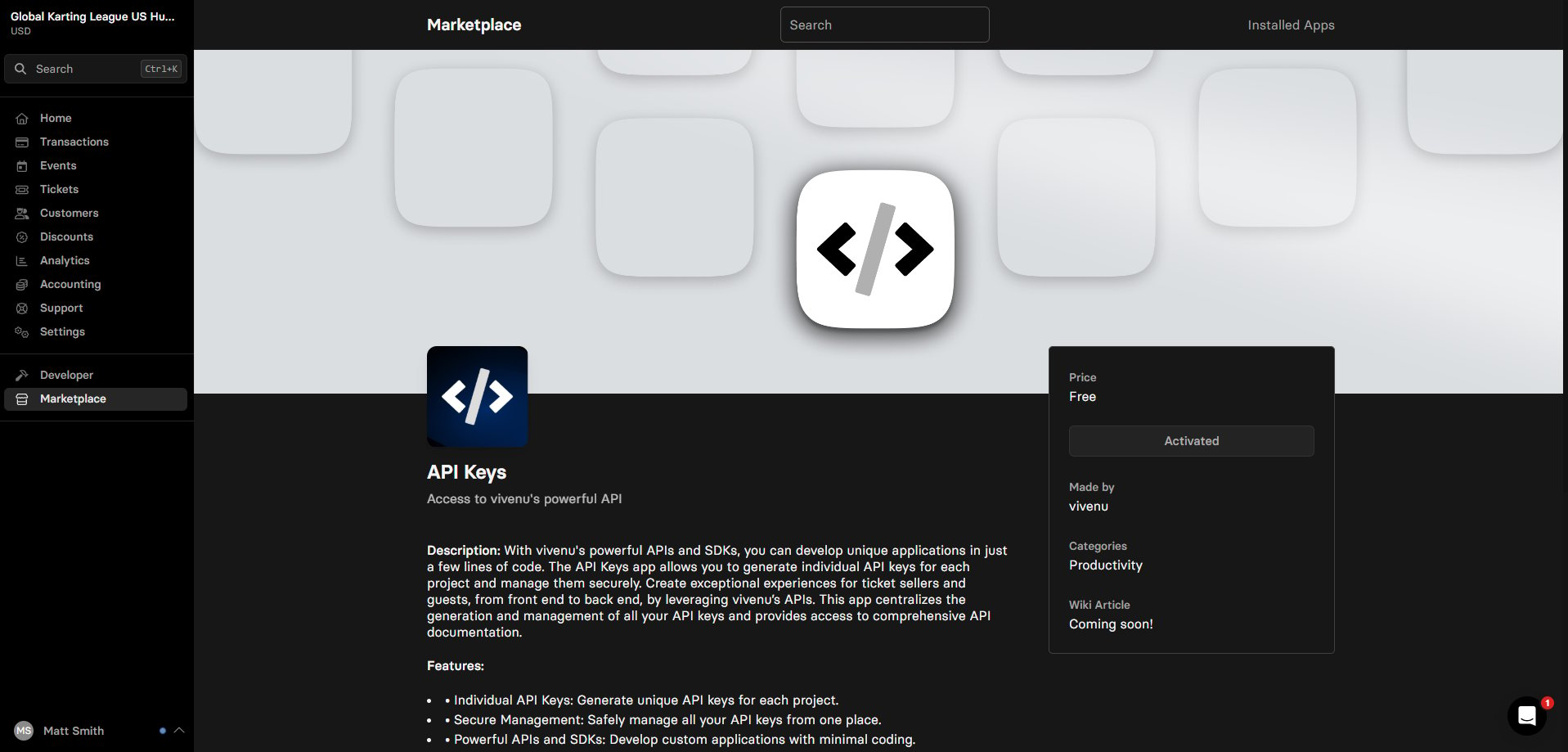
Install API Keys
Search for API Keys and click Install.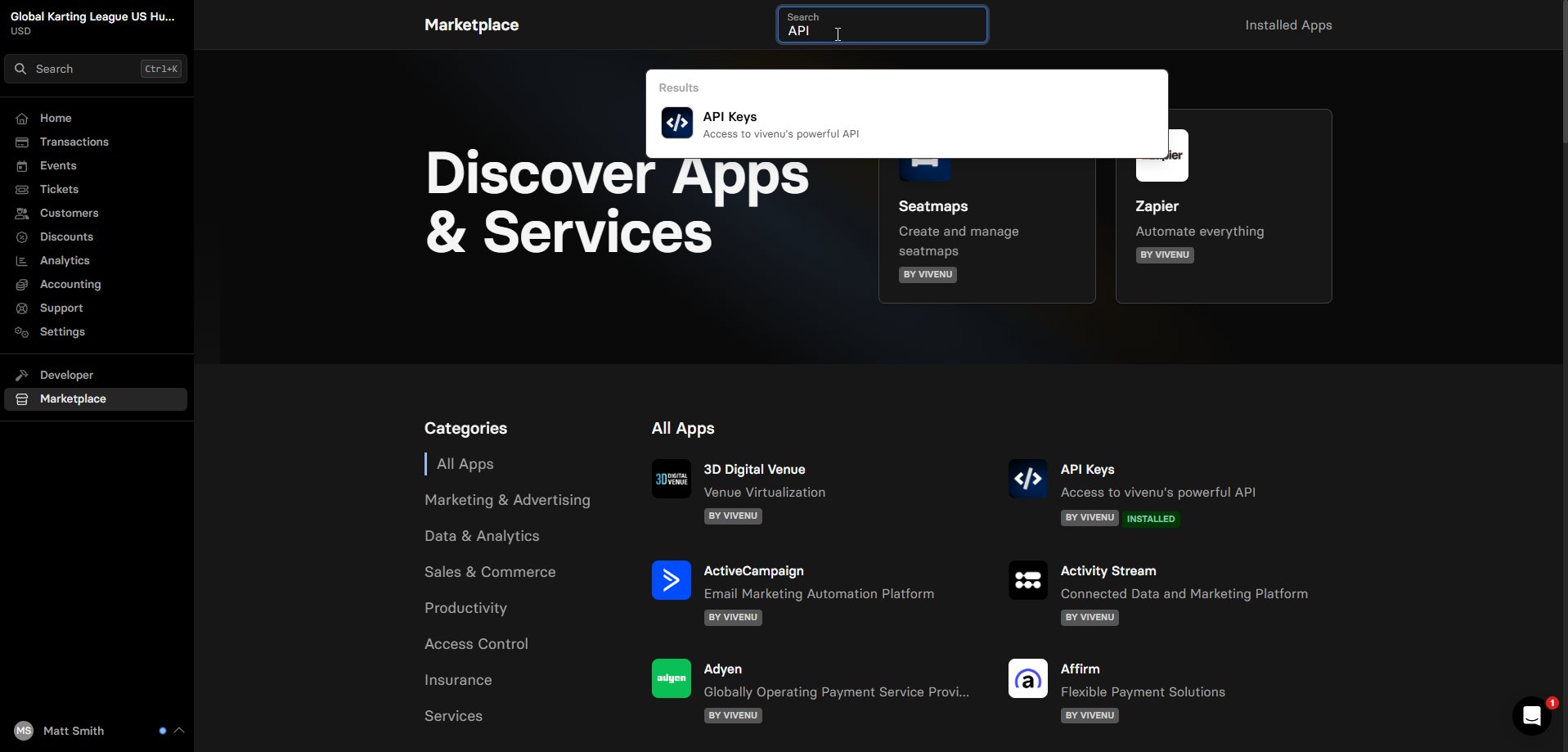
4
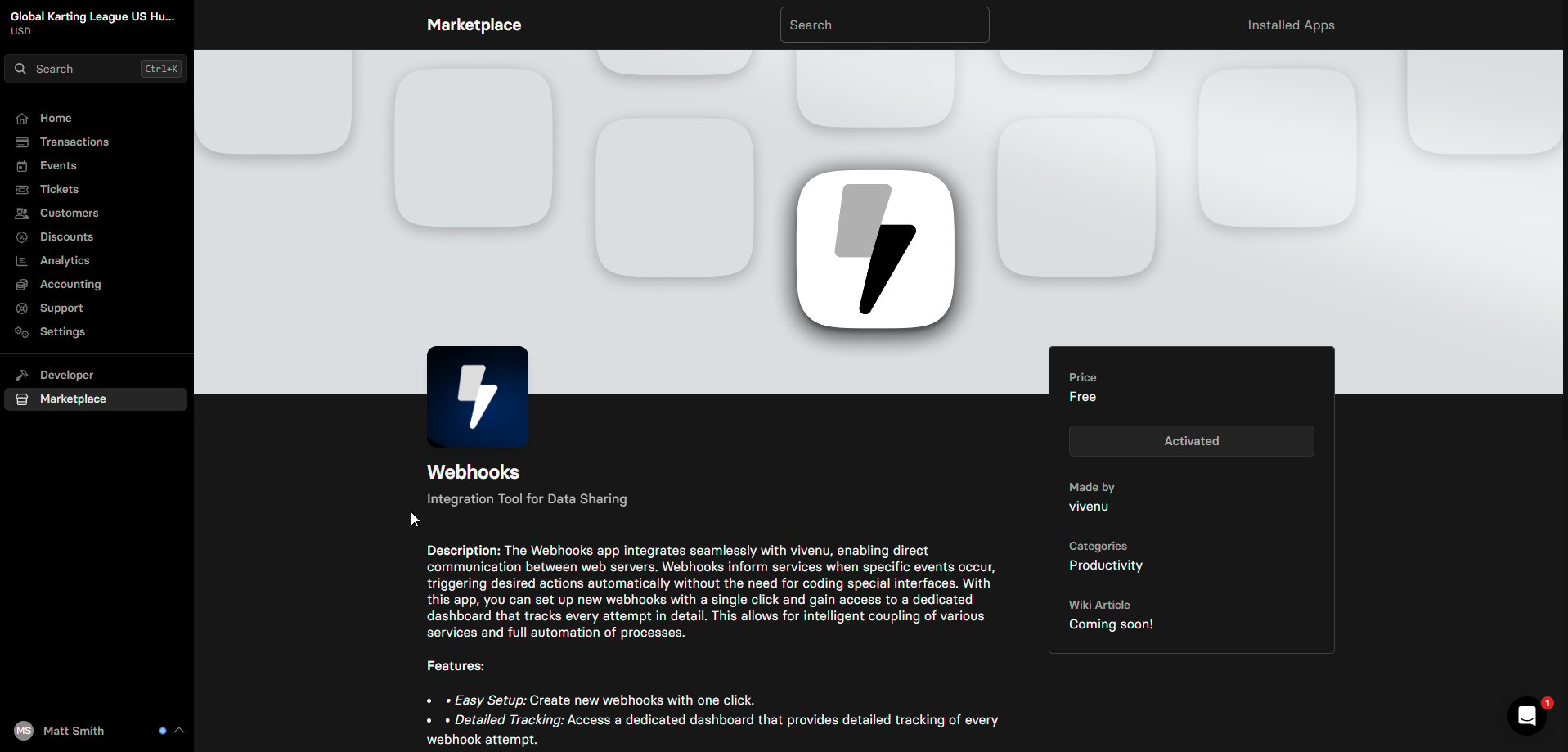
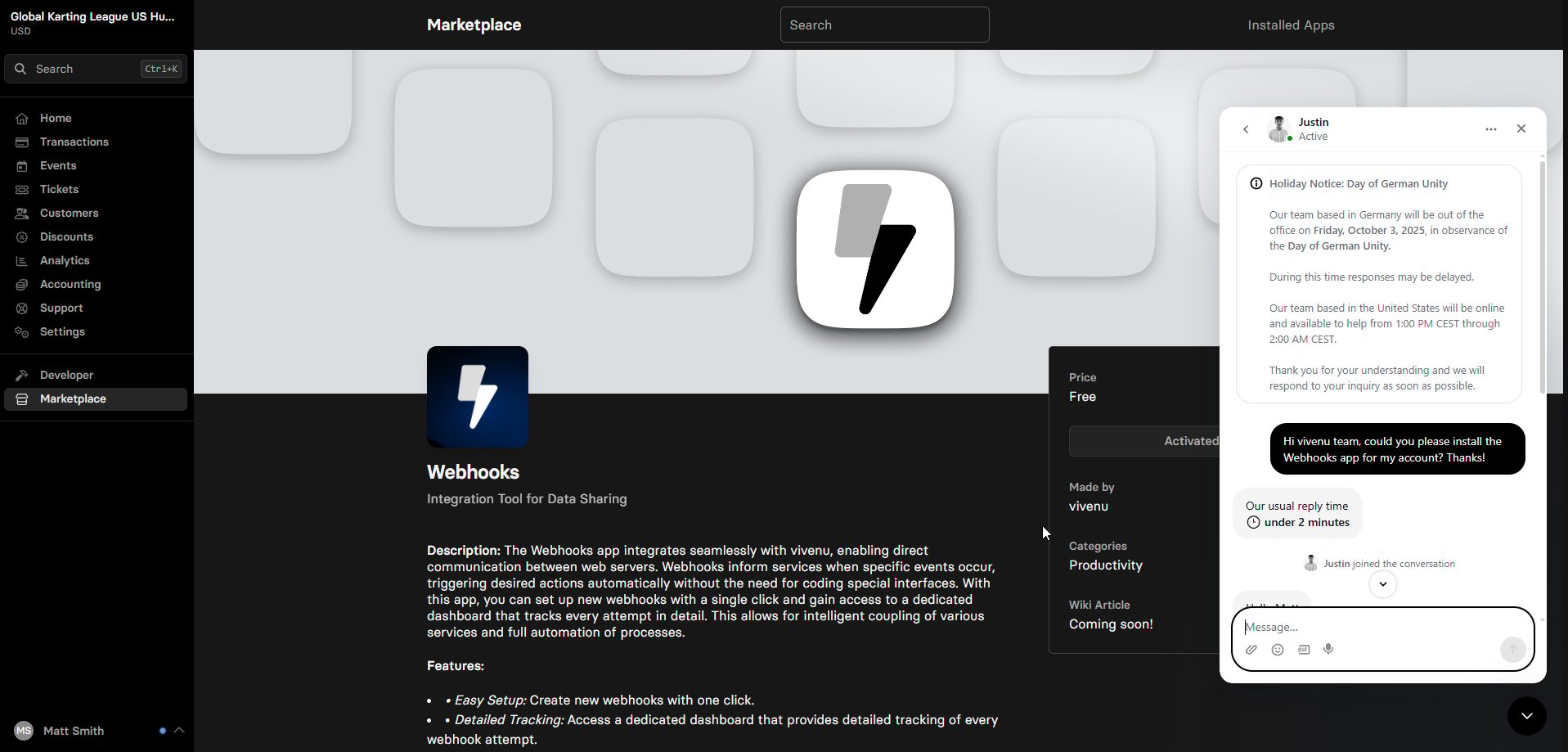
Request Webhooks
Search for Webhooks and click Request.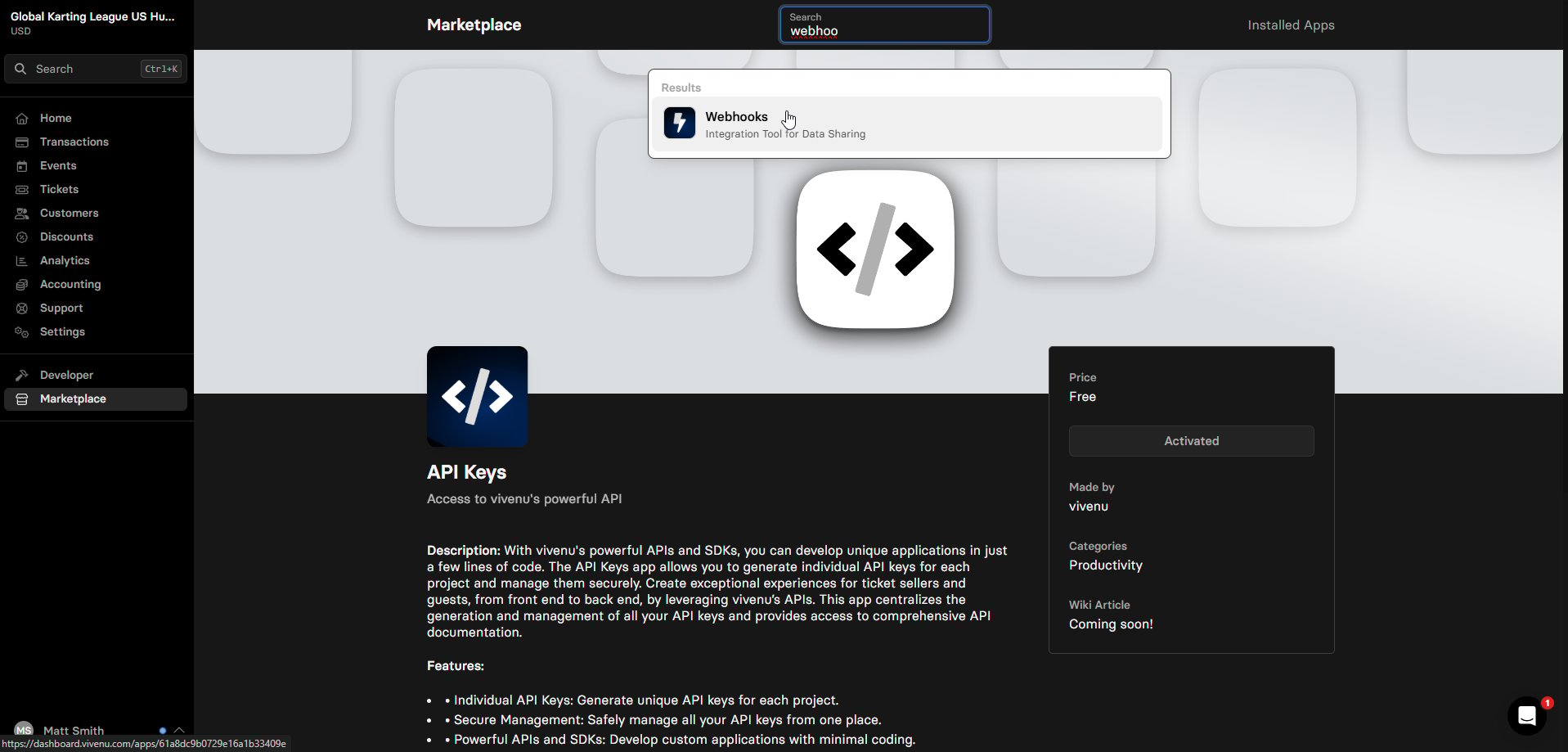
5
Confirm installation
Navigate to the Developer menu in the left hand sidebar. You should now see both Webhooks and API Keys listed.